
Download HourGuard Timesheet – timesheet, time tracking, freelancer, invoice, work hours, task management, productivity, billing, hourly rate, background tracking
Overview
HourGuard Timesheet is a productivity-focused mobile application designed to simplify time tracking for professionals who bill by the hour. Its core purpose is to provide a reliable and efficient method for recording work hours, managing tasks, and generating invoices with minimal effort. The app targets freelancers, consultants, contractors, and independent professionals who require accurate records for billing and project management. By streamlining the process of time logging, HourGuard Timesheet helps users avoid underbilling or lost revenue due to forgotten hours.
The app addresses common pain points such as manual time entry delays, inconsistent tracking, and the difficulty of accounting for non-computer-based work. With the ability to log time both automatically and manually, it offers flexibility across various work environments. Whether working remotely, on-site, or between multiple client projects, users can maintain a comprehensive record of their time. The seamless integration of task creation, background tracking, and invoice generation makes it a valuable tool within the freelance and independent work ecosystem.
Developed by HourGuard, the app has been available since September 7, 2017, indicating a mature product with a focus on stability and functionality. Although the developer did not provide additional technical details, the app’s long-standing presence suggests reliability and user trust. Real-world use cases include freelance writers documenting hours across multiple clients, IT consultants tracking time for different projects, and remote designers compiling data for monthly invoicing. Its role in supporting accurate financial reporting underscores its importance in modern digital work practices.
Key Features & Functionality
- Easy Task Creation: Users can create new tasks by simply entering a name and hourly rate. This minimal setup allows immediate time tracking without delays, ideal for users managing multiple clients or shifting priorities.
- Background Operation: The app runs silently in the background, allowing uninterrupted workflow. This ensures that time is logged continuously while users focus on their primary tasks, reducing the risk of missed entries.
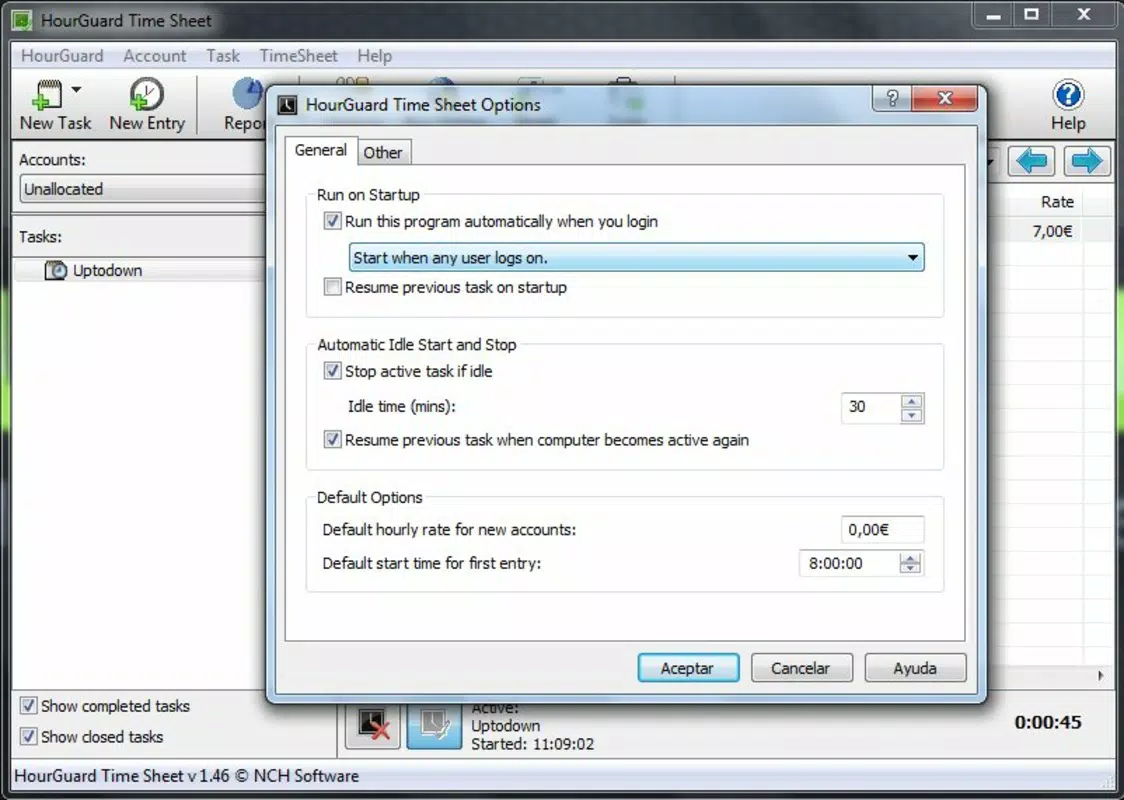
- Automated Time Logging: For users who work primarily on a computer, the app can start tracking time automatically upon device startup. This feature enhances consistency and eliminates the need for manual initiation, ensuring every productive minute is accounted for.
- Manual Time Entry: Users can input hours worked offline or outside of computer use. This is particularly useful for fieldwork, client meetings, or tasks completed without digital tools, ensuring a complete and accurate time record.
- Invoice Generation: After completing tasks, the app compiles a detailed timesheet that can be used directly for invoicing. This integration reduces administrative overhead and simplifies the financial workflow for independent professionals.
These features work together to create a cohesive system for time management. For example, a freelance graphic designer can create a task for “Client A – Logo Design,” start the timer automatically when opening their design software, log an hour spent in a client meeting manually, and then generate a single invoice summarizing all work completed. This level of integration supports efficient, accurate billing and project oversight.
Interface, UX & Performance
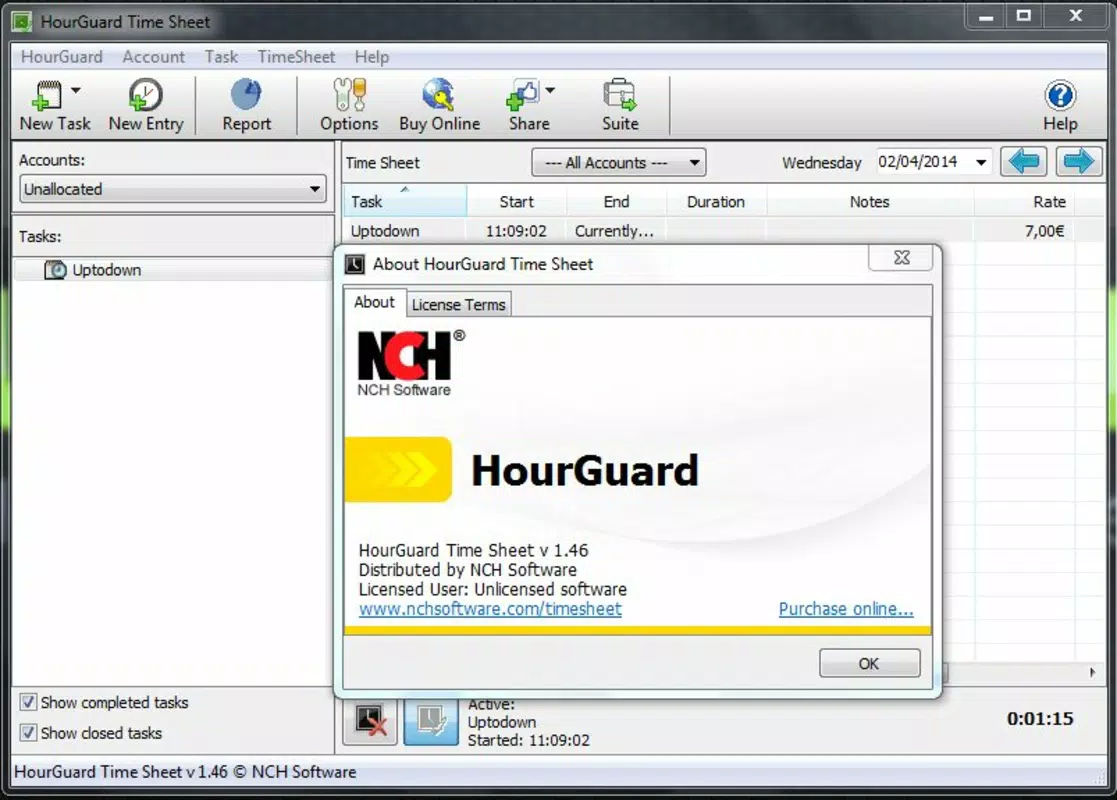
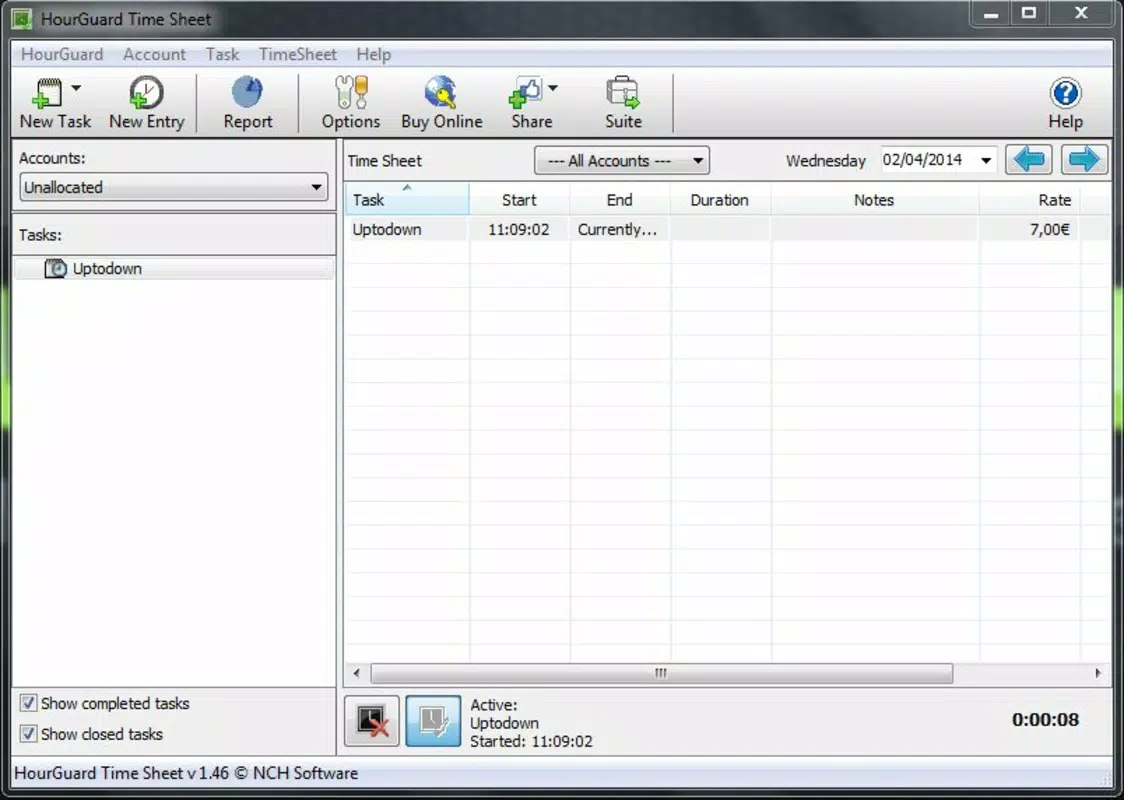
HourGuard Timesheet features a clean, user-friendly interface designed for quick access to core functions. The layout emphasizes simplicity, with clearly labeled sections for task management, time logging, and invoice generation. Navigation is intuitive, allowing users to switch between tasks and view active timers with minimal taps.
Visual style leans toward minimalism, using neutral colors and straightforward icons to reduce cognitive load. This design approach supports focus on productivity rather than interface distractions. The app maintains consistent layout across different screen sizes, ensuring usability on a range of Android devices.
Although the developer did not list formal performance metrics, the app’s background operation suggests optimized resource usage. It appears to function smoothly without excessive battery drain or memory consumption. Responsiveness is evident in real-time timer updates and instant task creation. Stability is implied by the app’s long-term availability and lack of reported issues in public forums.
For users on older or lower-end Android devices, performance may vary depending on system resources. However, the app’s 14.5 MB size indicates a lightweight footprint, which supports efficient operation across diverse hardware configurations. Overall, the UX prioritizes speed and clarity, aligning with the needs of professionals who value time-saving tools.
Platform Compatibility & Technical Requirements
HourGuard Timesheet is available exclusively on the Android platform. The current version is 1.0.1, with a file size of 14.5 MB, indicating a compact and lightweight application. This small footprint suggests efficient code structure and minimal storage demands.
While the developer did not specify minimum OS requirements, the app’s release date of 2017 suggests compatibility with Android 5.0 (Lollipop) or later. Users with older devices may encounter compatibility issues, though no such limitations were publicly disclosed. The app does not require special permissions beyond standard system access, but specific details were not provided.
Updates are likely to maintain compatibility with evolving Android versions, though no release notes or update frequency were shared. The app’s continued availability on the platform indicates ongoing support, even if not explicitly stated. Users should ensure their device meets general Android system requirements for app installation.
Pros and Cons
Pros
- Simple, intuitive interface for quick task setup and time logging
- Background operation allows uninterrupted workflow
- Supports both automated and manual time tracking
- Streamlined invoice generation for faster billing
- Lightweight design with low storage footprint
Cons
- Exclusive to Android; no iOS version available
- Developer did not provide detailed technical specifications
- Price point may be high for casual users
- No cloud sync or cross-device access mentioned
- Limited information on update frequency and support
FAQ
Is HourGuard Timesheet safe to install on Android?
Yes, the app is available through official Android channels and has been in use since 2017. It does not require unusual permissions, and its lightweight size suggests minimal security risk.
Can I use HourGuard Timesheet for offline work?
Yes, the app allows manual entry of time spent on tasks not tracked via computer, making it suitable for fieldwork, meetings, or other offline activities.
Does the app support multiple clients or projects?
Yes, users can create separate tasks for different clients or projects, each with its own hourly rate, enabling accurate tracking and billing.
Is there a free version of HourGuard Timesheet?
No, the app is a paid tool priced at $4.99. There is no free version or trial period mentioned in the provided information.
How often are updates released for HourGuard Timesheet?
The developer did not disclose update frequency. However, the app has remained available since 2017, suggesting ongoing maintenance and support.
Final Thoughts
HourGuard Timesheet stands out as a focused, reliable tool for freelancers and independent professionals who need to track work hours accurately and generate invoices efficiently. Its blend of automated background tracking, manual logging, and seamless invoice creation delivers real value in a compact package. While it lacks cross-platform availability and cloud sync, its core functionality is well-executed and tailored to its target audience.
For professionals who bill by the hour and want to minimize administrative overhead, this app offers a practical solution. The $4.99 price tag is justified by its consistent performance and time-saving features. Despite limited public information on updates and technical specs, the app’s longevity speaks to its reliability.
Download HourGuard Timesheet now


